Create AI videos
Give your ideas a new form of expression. Experiment with visual storytelling and see where your creativity takes you.
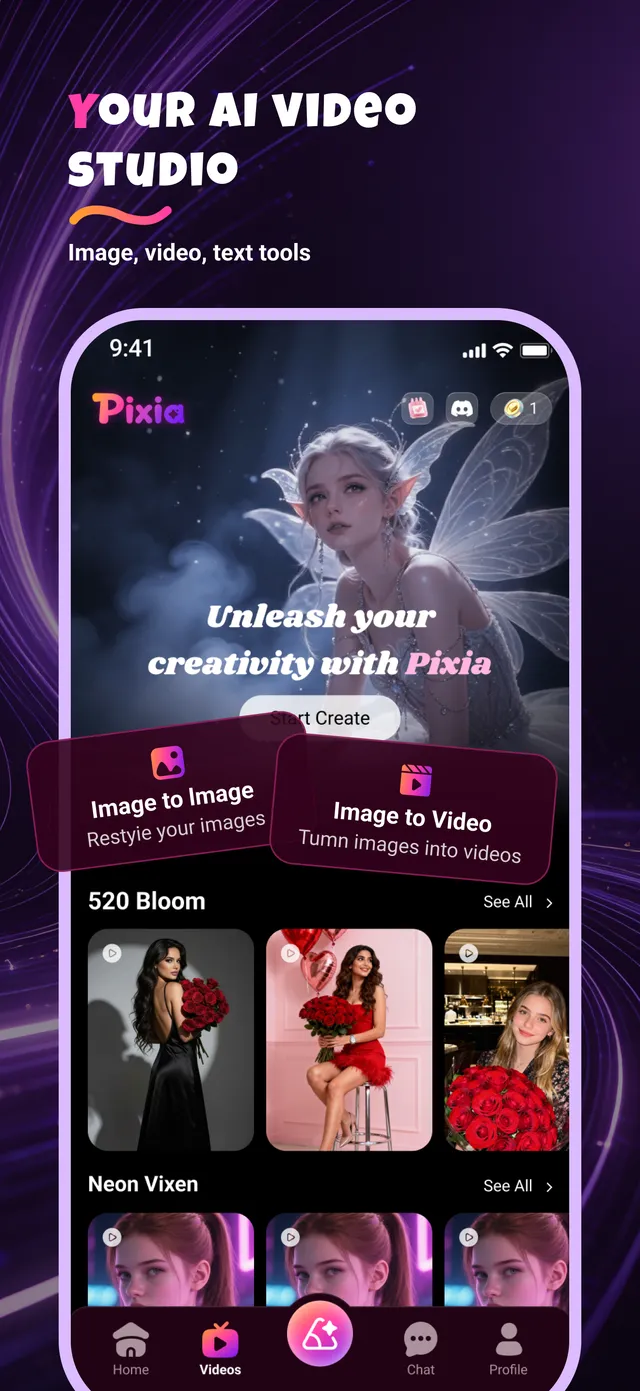
Pixia brings AI video creation, face swapping and AI chat together in one app. Turn a single selfie into a new look, bring still images to life, or talk an idea through with an AI character.
Whether you want to make a video, experiment with a different look, or chat about an idea, Pixia gives you new ways to express yourself.
Give your ideas a new form of expression. Experiment with visual storytelling and see where your creativity takes you.
Upload one selfie and try a different look. Explore playful transformations across trending video and photo styles.
Talk about your interests, share ideas, or follow your curiosity into a new conversation with AI characters.
Bring still photos to life with motion, or describe a scene and turn text into a brand-new image.
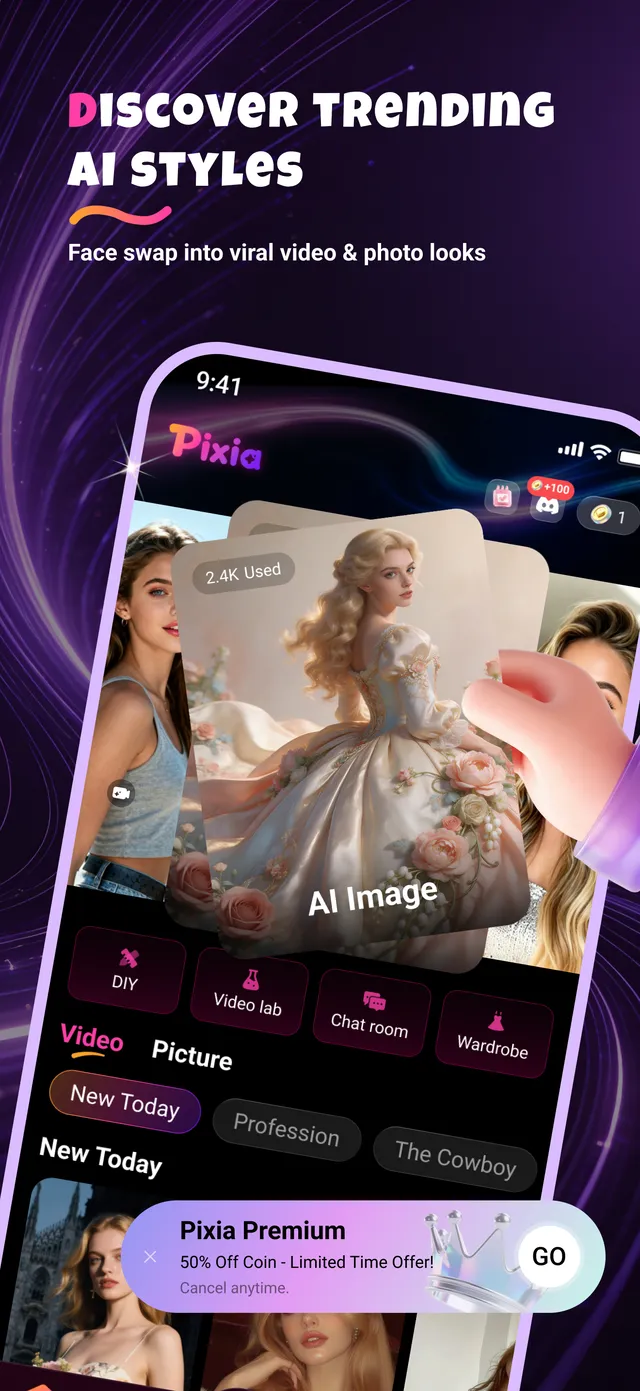
Discover new templates every day — from fantasy portraits to seasonal looks — and restyle your images in a tap.
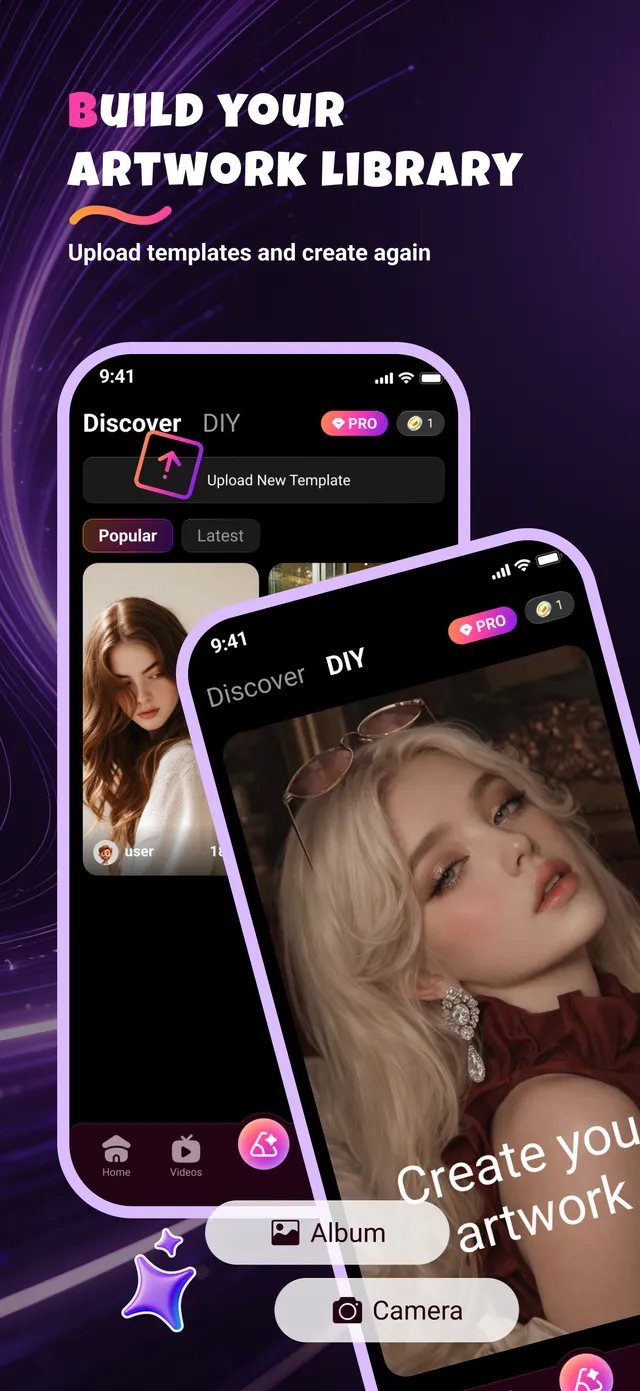
Upload your own templates, save your creations and come back to create again whenever inspiration strikes.
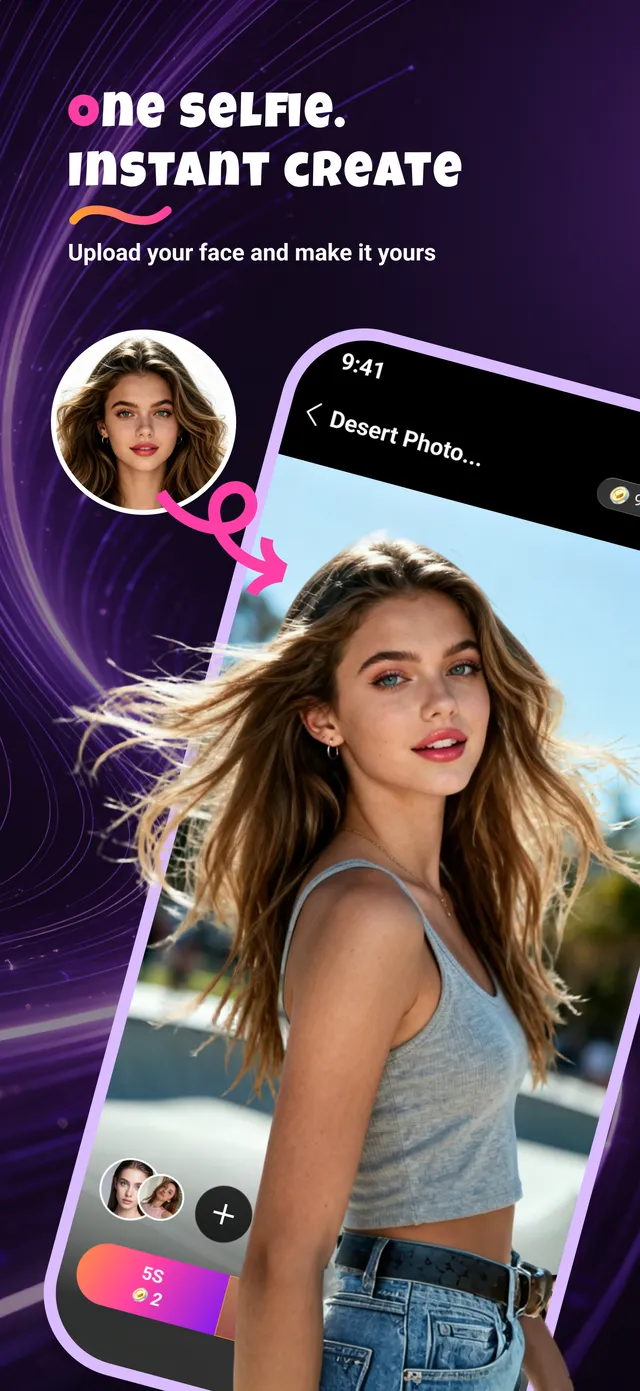
Pick a style you love, add a selfie, and Pixia blends you into the scene — no editing skills needed.
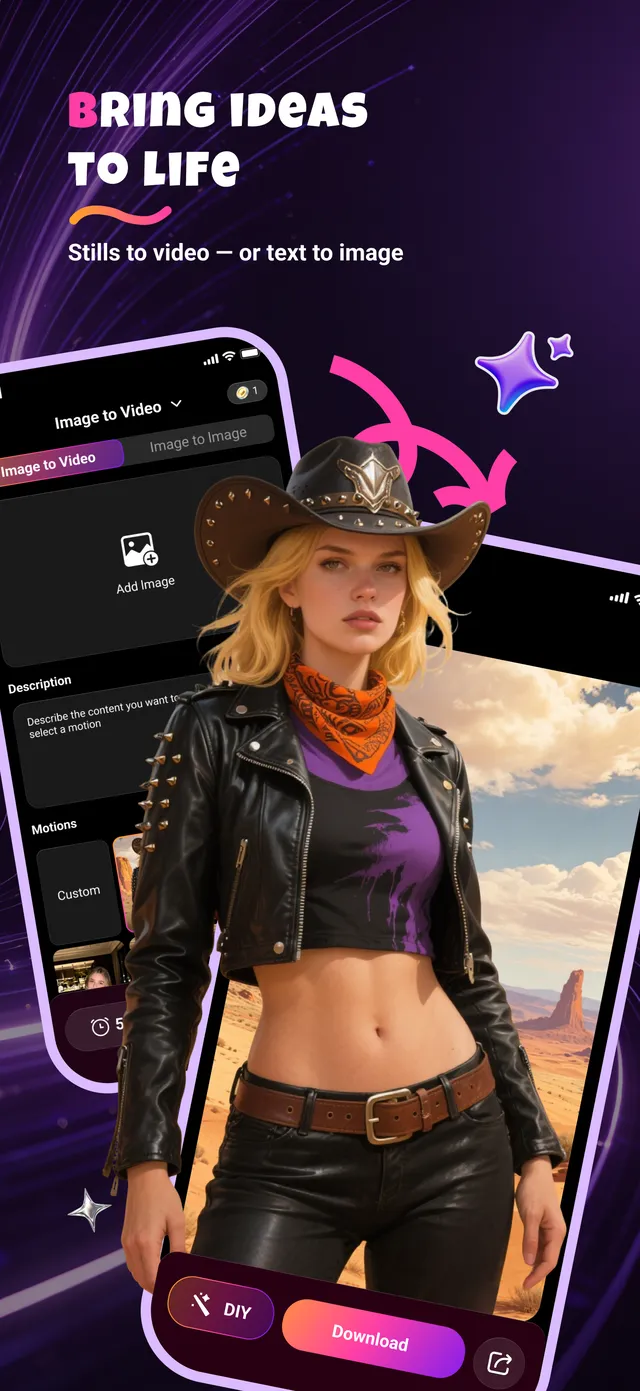
Choose a motion, describe what you want to see, and watch a photo come alive — or start from a sentence and create an image from scratch.
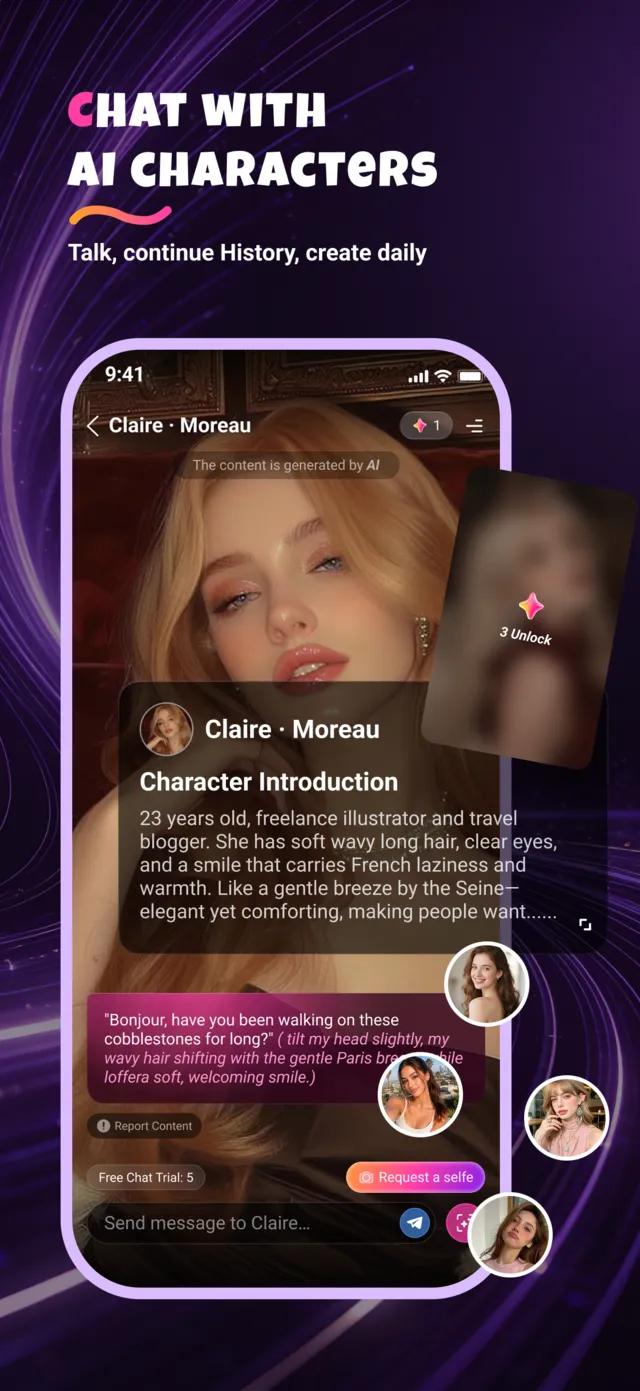
Meet AI characters with their own personalities and stories. Pick up where you left off — your chat history is always there.
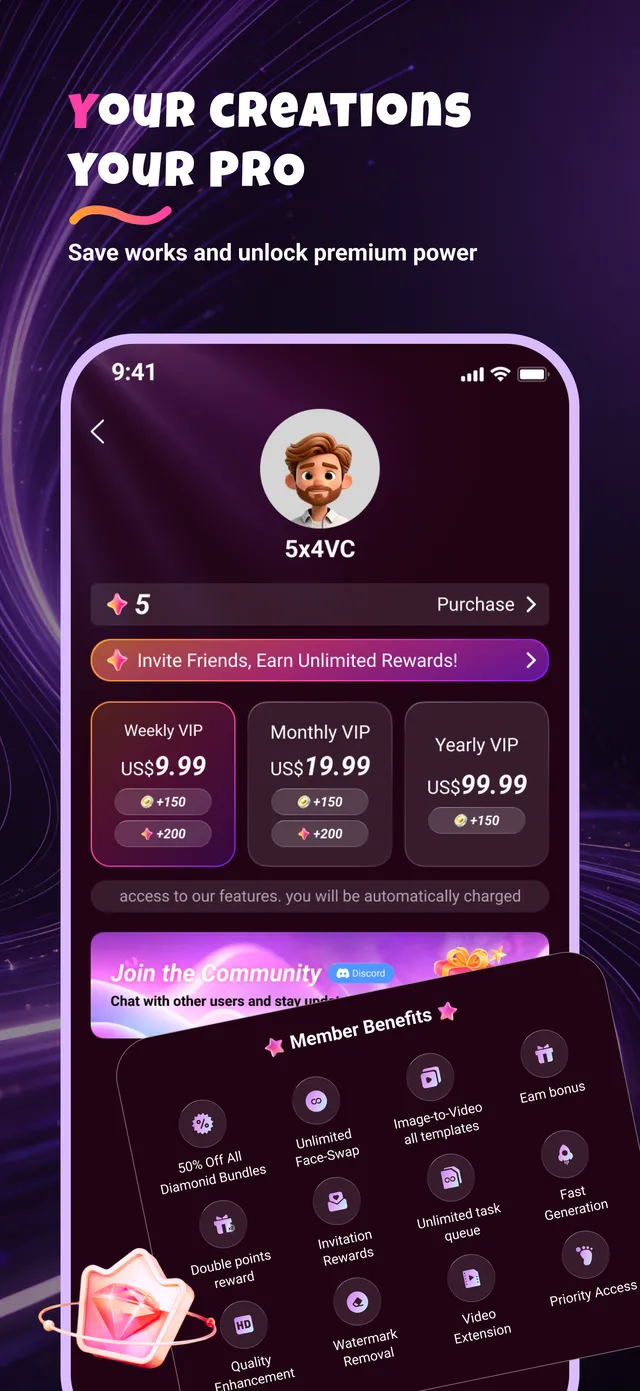
Yes. Pixia is free to download and includes free features. Some features and content require diamonds (in-app currency) or a Pixia Premium subscription.
Your photos are used only to generate the content you ask for. They are encrypted in transit, are not sold, and are not used to identify you. You can request deletion of your data at any time. Read our Privacy Policy for details.
Open Google Play → tap your profile icon → Payments & subscriptions → Subscriptions → Pixia → Cancel subscription. You keep Premium until the end of the paid period. Uninstalling the app does not cancel a subscription.
Purchases are processed by Google Play. You can request a refund through Google Play, or contact us and we will help. See our Refund Policy.
Only if you have their permission. You must own or have the rights to every image you upload, and you may not use Pixia to impersonate, harass or deceive anyone. See our Terms of Service.
Use the account deletion option in the app's settings, or email [email protected] from the address linked to your account and we will delete your account and associated data.
Create AI videos, swap faces, and chat with AI — free on Google Play.
GET IT ONGoogle Play